Today:
Search Product:
Select product by model name:

>visionsystems.de/NetCom 211 PoE (6667.html)
 

Features

  • Can control 2x RS232 devices located virtually anywhere (via Ethernet or Internet)
  • LAN interface 10BaseT/100BaseTx Ethernet
  • Powered over Ethernet IEEE 802.3af
  • Driver automatically finds NetCom devices in the network
  • Configuration over Driver Panels, serial Port, Telnet, WEB Browser, SNMP
  • Automatic mode switching between Driver and Raw Mode
  • Support TCP/IP, UDP, Telnet, DHCP, ICMP, HTTP, SNMP V1/2c/3, DNS
  • Now on stock


NetCom 211 PoE

Quick Link: | Features | More Pictures | Overview | Application | Hardware | Interface | Performance | Operating Modes | Power and Environment | Special Features | Security | Ordering Information | Optional Accessories | Download |

|

  More Pictures

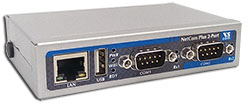
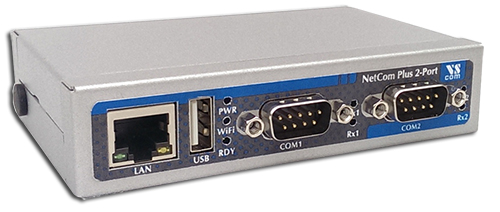
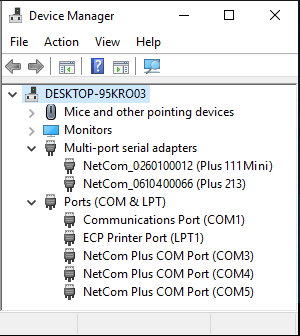
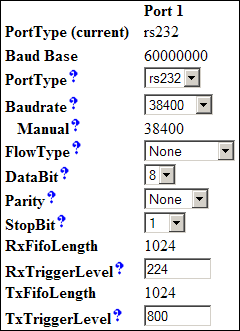
Klick on the thumbnails to enlarge them …

>Back to top      

  Overview

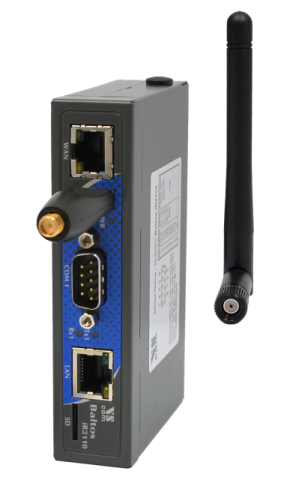
NetCom 211 PoE is an industrial-strength network-based serial device server for connecting two RS232 devices like CNC, PLC, weighting scale, scanner and other devices directly to the 10/100Mbps Ethernet network running TCP/IP.
On NetCom 211 PoE the feature of PoE (Power-over-Ethernet, IEEE 802.3af) allows to supply the NetCom via the Ethernet cable. This simplifies the cable connections on hard-to-reach locations. An external power adapter is not required, but available as an optional accessory. Read background information.
In addition to allowing serial devices to get networked, any host (PC Server or Workstation) without network access can also access remote serial device via adding NetCom devices to the existing serial port. NetCom 211 PoE can be configured over Driver Panels, WEB Browser, serial Port, Telnet, SNMP and serves as a transparent serial channel without platform and distance limitation.

  Application

Industrial / Factory / Laboratory automation
Automatic warehouse control system
Wafer fabrication system
Retail system
SCADA system
Building automation system
Self-service banking system
Other remote and distributed serial devices control

  Hardware

Processor

ARM 7 TDMI 50MHz

I/O controller

16C550C or compatible

Memory

8MB SDRAM, 1 MB Flash

Connector type

RJ45 for LAN, 2 x RJ45 -8pin for serial Port

>Back to top      

  Interface

LAN interface

Auto-detecting 10BaseT/100BaseTx

Protocols

TCP/IP, UDP, Telnet, DHCP, ICMP, HTTP, SNMP V1/2c/3, DNS

Serial interface

2 x RS232

No. of port

2, Speed up to 460Kbps

Available Modes

RS232 full duplex

Signals

TxD,RxD, RTS,CTS, DTR,DSR, DCD, GND

>Back to top      

  Performance

Speed

up to 460Kbps

Parity

None, even, odd, space, mark

Data bits

5, 6, 7, 8

Stop bits

1, 1.5, 2

IRQ

None

I/O address

None

>Back to top      

  Operating Modes

Driver mode

VScom Driver for Windows NT 4.0, 2000 up to 7, Server 2000 up to 2008 R2, both x86 and x64 Editions.
The Driver creates a virtual Com port, using Vscom NetCom protocol.

TCP Raw Server

Raw data transfer over TCP/IP. Accepts multiple incoming connections.

TCP Raw Client

Raw data transfer over TCP/IP. Connects to multiple hosts or devices waiting for incoming connections.

TCP Advanced Settings

Special settings for user-defined modes

UDP Mode

Raw data transfer by UDP. The NetCom is client and server at the same time. With the timeout functionality and a configurable trigger string it can make defined UDP packets of incoming data.

Null Modem Tunnel

Connecting two NetCom used as virtual null modem cable.

IP Modem

The serial port emulates a standard modem. Operates by AT-commands, and dials to IP-Addresses instead of phone numbers.
Windows "INF"-Driver provided for installation.

Print Server

The NetCom accepts print jobs, and spools them to the attached serial printer. Operates as of RFC1197, similar to the line printer daemon in Unix-systems

>Back to top      

  Power and Environment

Power requirements

Dual Power supply

  • Power over Ethernet IEEE 802.3af, Class 2 (Low power)
  • Auxiliary power 9 - 30V DC, 250mA @ 12V

Precedence is on PoE supply. With both sources available the external DC power is used as backup power source.

Power supply Adapter

12V DC 1A (optional, not included)

Dimension

 73×115×27 mm³ (W×L×H)
101×115×27 mm³ with ears

Operating Temp

0°C - 60°C

Storage Temp

-20°C - 85°C

Case

SECC sheet metal (1mm)

Weight

0.3kg

>Back to top      

  Special Features

Installation

Configuration utility automatically finds NetCom devices in the network

Operating mode

Automatic mode switching between Driver and TCP RAW mode.
With TCP Advanced settings it is possible to configure the NetCom for using it in multiple modes, so it decides automatically which mode should be used.

Configuration

Configuration over Driver Panels, NetCom Manager, WEB Browser, serial console, Telnet, SNMP

SNMP

special VScom MIB included

ART

no

DNS

Domain Name Server support

Firewall

Special precautions for Firewall environments

Firmware

Firmware update over WEB Browser, Telnet, ComPort

LEDs

LEDs for Power, Tx, Rx, LAN Link, LAN Speed

>Back to top      

  Security

Password access

Every capabilities of configuration use the same password including SNMP V3

>Back to top      

  Ordering Information

Art.No

6667

Product Name

NetCom 211 PoE

Packing list

NetCom 211 PoE
CD-ROM with Driver and configuration software
2 x RJ45 8-pin to DSUB 9 male RS232 cable 1m
Printed Quick Installation Guide

>Back to top      

  Optional Accessories

DK 35A

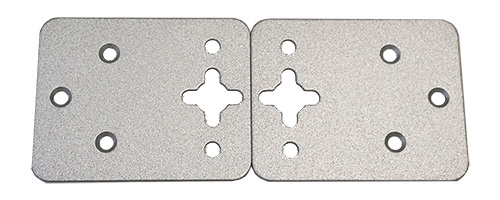
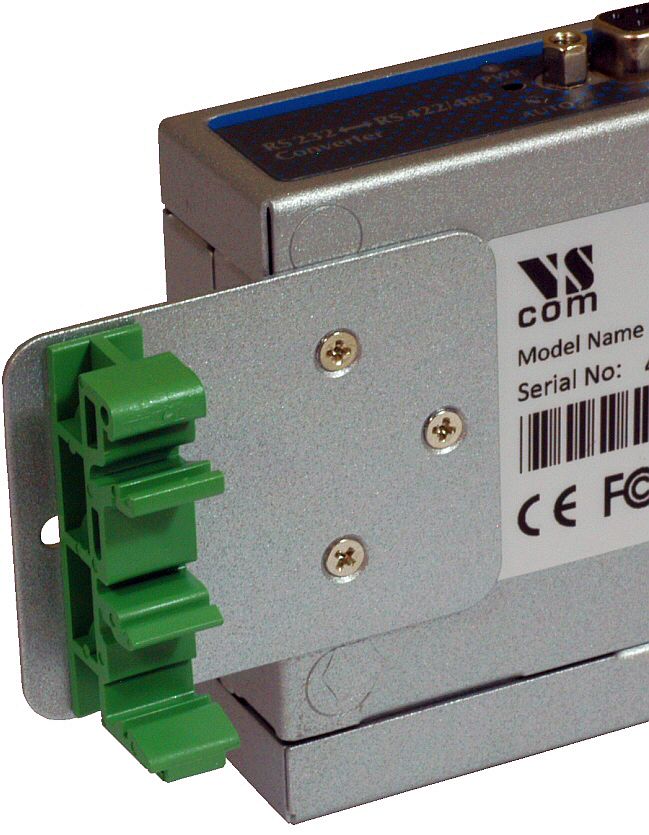
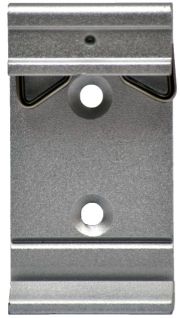
DIN-Rail mounting kit

Serial Adapter

RS232 Null-Modem adapter, change male to female

DC Power supply Adapter

Power supply adapter
Input AC 220V, Output DC 12V, 1A

>Back to top      

Download

 
 (Driver Set and Manager Program (version 1.5.12.0   December 1 2010))
 (Driver Set and Manager Program (WHQL version 1.5.9.3   December 10 2007))
 (Driver Set and Manager Program (version 1.5.9.3   December 10 2007))
 (Driver Set and Manager Program (version 1.5.9.3   December 10 2007))
 (Fixed tty driver, beta (version 1.00.03 07/17/2004))
 (Windows INF-file for IP Modem function (May 26  2005))
 (Background Information NetCom Series)
 (SNMP tools plus Ethereal/Wireshark plugin)
 (Installationsanleitung Windows 2000/XP/2003/Vista (Deutsch, PDF))
 (Product Manual (PDF, January 2012))
>Back to top      

All the trademarks and brands are property of their rightful owners.
Copyright©2005-2010, VS Vision Systems GmbH. All Rights Reserved.